Word to PDF converter
Convert Word to PDF on Android, offline
Send a CV, an invoice or an assignment as a PDF that looks the same on every device. PDF Reader converts .docx files on your phone, so the document never has to be uploaded.

What carries over from Word
- Page size, orientation, margins and page breaks
- Headings, fonts, colours and lists
- Tables and images
- Headers, footers and clickable links
Step by step
How to convert a Word document to PDF
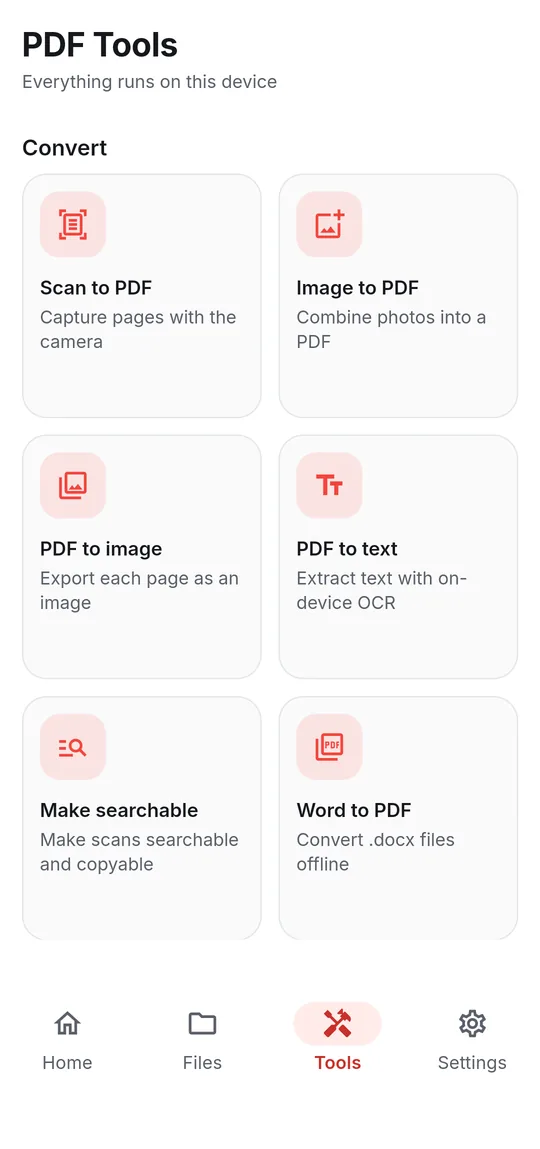
- Open Tools → Word to PDF — or share a .docx from your email, chat or file manager and pick Word to PDF.
- Tap Choose a .docx file if it is not already attached.
- Tap Convert to PDF. The document is laid out on your phone.
- Open or share the PDF from the result sheet. It is saved in the PDFReader folder.
Good to know
Before you start
-
.docx only
Older .doc files are not supported — open them in Word and save as .docx. Password-protected Word files need the password removed in Word first.
-
Layout limits
Floating text boxes and shapes do not carry over. Fonts come from your phone, so some complex scripts (for example Devanagari conjuncts) may not shape exactly as they do in Word.
-
About saving results
When some tools finish, the app may ask you to watch a short video before the new file is saved. If you are offline or no video is available, the file is saved anyway — and your original is never changed.
Questions
Word to PDF FAQ
Can I convert Word to PDF without internet?
Yes. The Word engine is built into the app, so conversion works offline.
Does it support .doc files?
No, only .docx. Save the document as .docx in Word, then convert it.
Where is the PDF saved?
In the app's PDFReader folder. Open or share it from the result sheet, or use Move to folder… to keep it somewhere else.
Also in the app
More ways to work with PDFs
Get PDF Reader on Google Play
Reader, editor, scanner and converter in one free Android app. Android 8.1 or later. Supported by ads. No account needed.