PDF to Word converter
Convert PDF to Word on Android, offline
Turn a PDF back into an editable Word document so you can change the wording, update a table or reuse the content — rebuilt on your phone, without uploading the file anywhere.

What carries over from the PDF
- Page size and margins
- Text with its fonts, sizes and colours
- Tables and images
- Clickable links
- Paragraphs worked out from the page layout — a PDF has no paragraphs of its own
Step by step
How to convert a PDF to Word
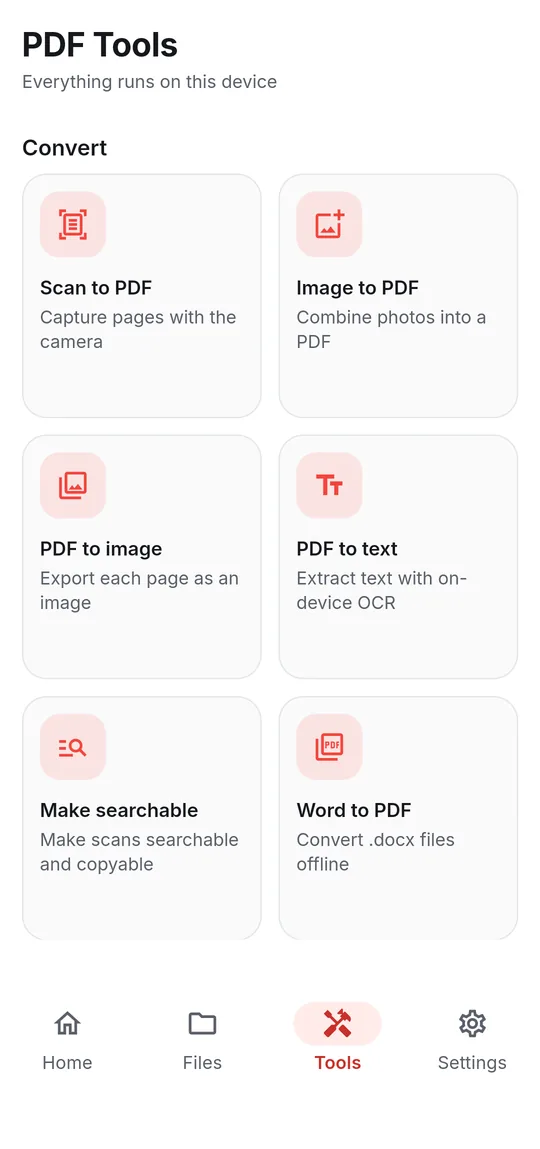
- Open Tools → PDF to Word.
- Tap Choose a PDF file and select the document.
- Tap Convert to Word. The conversion runs on your device.
- Open or share the .docx from the result sheet. It is saved in the PDFReader folder.
Good to know
Before you start
-
Scanned PDFs
If the PDF is a scan, it holds pictures rather than text and the app will say so. Use PDF to text (OCR) to get the words.
-
Locked PDFs
Remove the password first with Unlock PDF — you need to know it — then convert.
-
About saving results
When some tools finish, the app may ask you to watch a short video before the new file is saved. If you are offline or no video is available, the file is saved anyway — and your original is never changed.
Questions
PDF to Word FAQ
Is PDF to Word conversion free?
Yes. The app is free and ad-supported; saving a converted file may ask you to watch a short video first.
Will the Word file look exactly like the PDF?
Page size, margins, text styling, tables, images and links are rebuilt. Because a PDF stores positioned text rather than paragraphs, complex layouts may need small touch-ups in Word.
Does my PDF get uploaded?
No. The conversion runs entirely on your Android device.
Also in the app
More ways to work with PDFs
Get PDF Reader on Google Play
Reader, editor, scanner and converter in one free Android app. Android 8.1 or later. Supported by ads. No account needed.